 ΕργοθήκηHelp Centre
Scenarios
How do I try Ergothiki with a ready-made example?
A full year of work to see everything — and a clean office afterwards.
-
1
Adding it Office Owner Office administrator
Press Add demo data: projects, customers, appointments and payments are made, each with a flask icon.
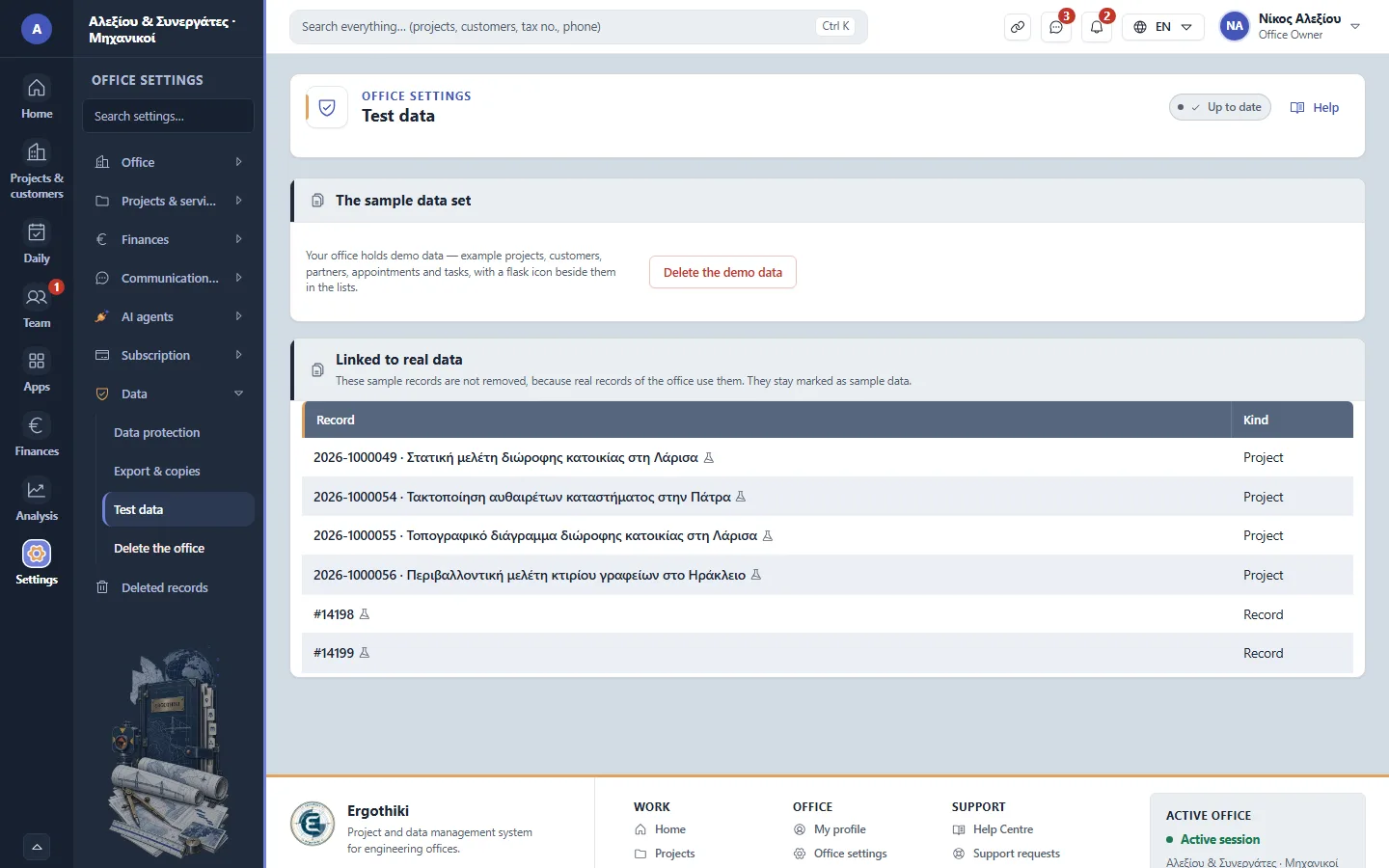
Office settings › Data › Test data -
2
Exploring Office Owner Office administrator Project manager
Open projects, offers and the timeline; they do not count towards the plan's limits.
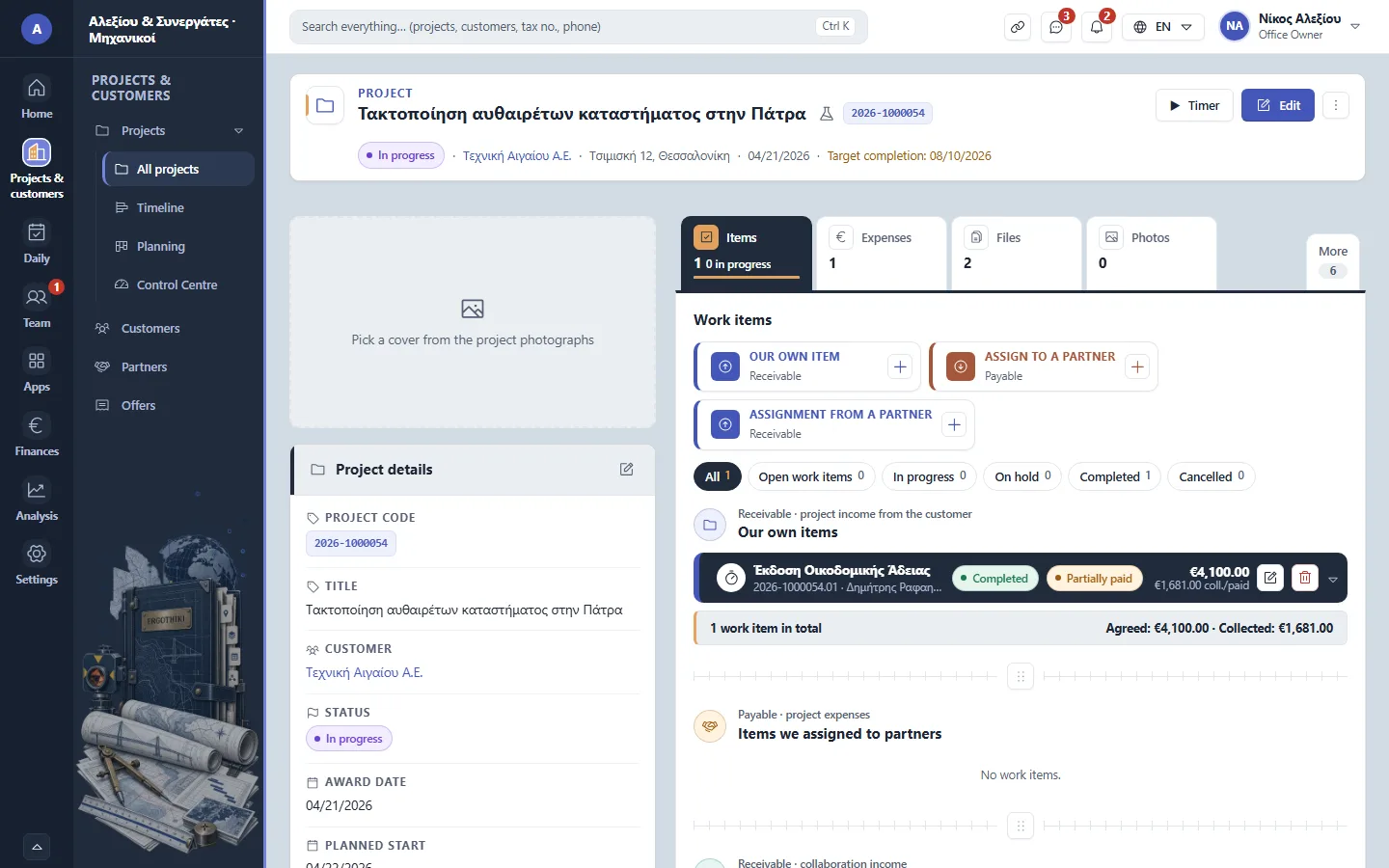
A project's page -
3
Removing it Office Owner Office administrator
Press Delete the demo data: only the samples go — your own records stay.


Did this scenario help?