 ΕργοθήκηHelp Centre
Scenarios
Who does what, and when?
From today's matters to each person's workload and the projects' dates.
-
1
The day's matters Office Owner Office administrator Project manager
In the Control Centre, see what is critical and deal with it from its panel.
-
2
The workload Office Owner Office administrator Project manager
In Planning, open Team load: it shows who is full over the coming weeks.
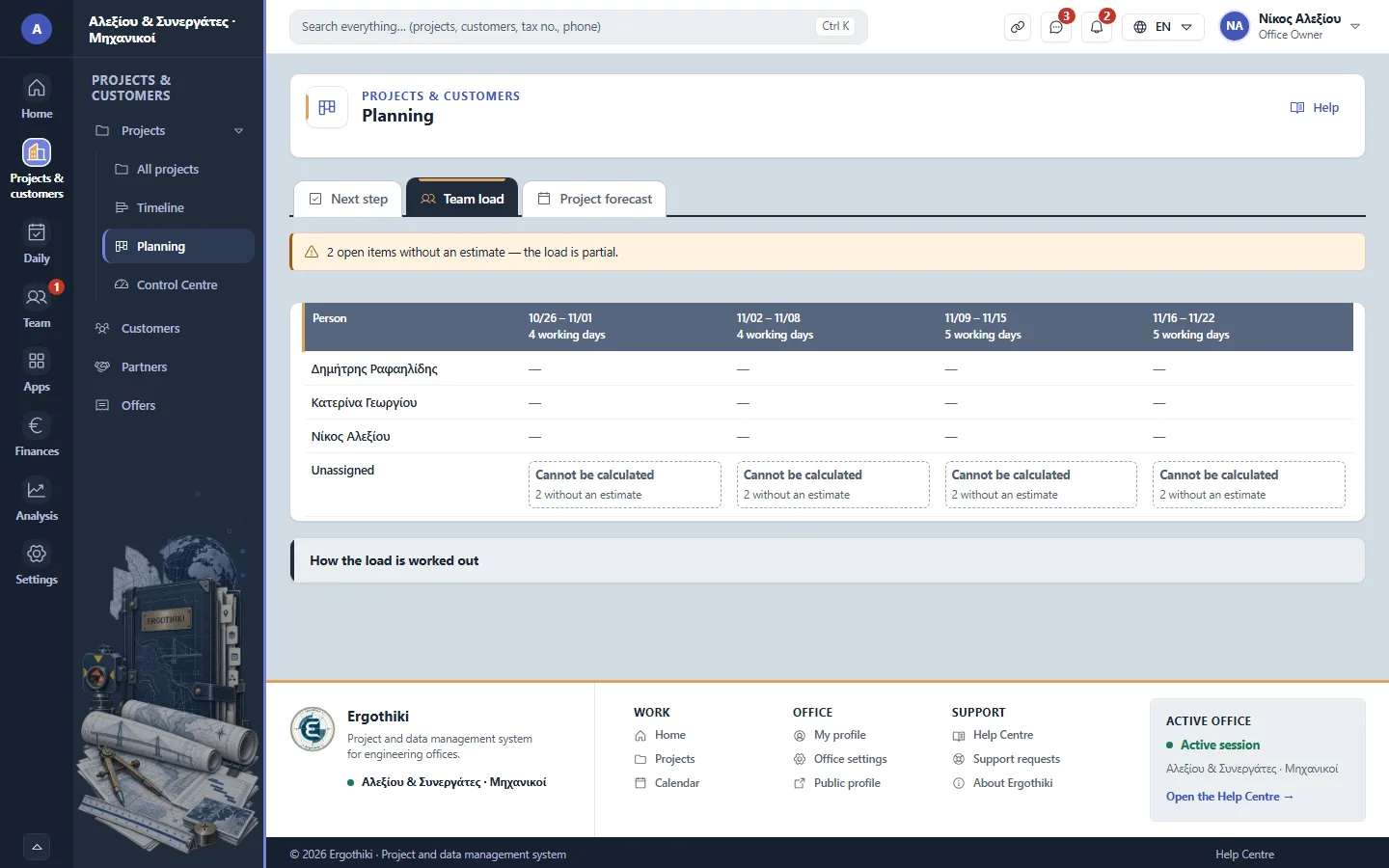
Projects › Planning › Team load -
3
The dates Office Owner Office administrator Project manager
On the Timeline, drag a bar to move a work item.
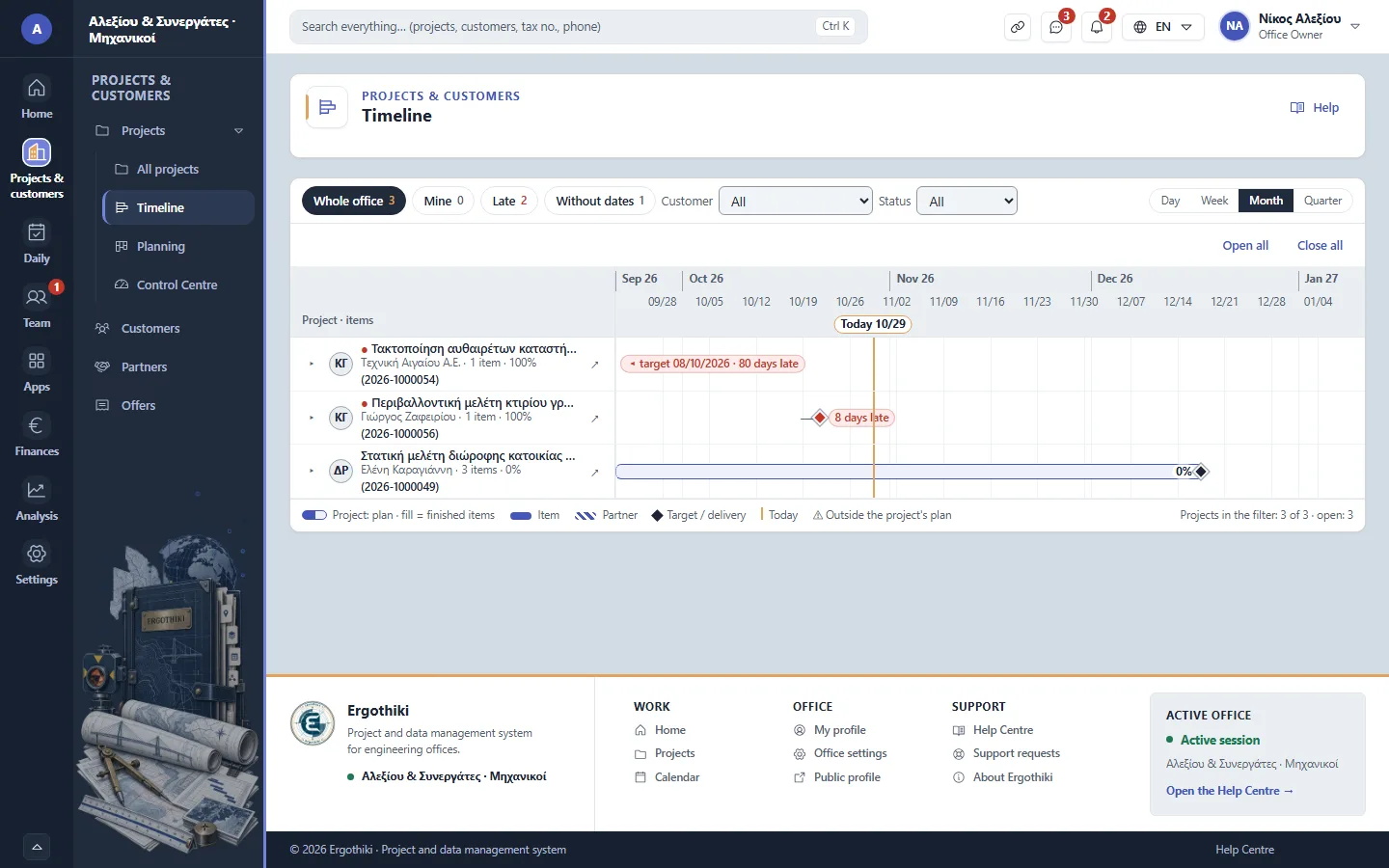
Projects › Timeline


Did this scenario help?