 ΕργοθήκηHelp Centre
Scenarios
How do I give someone a role and its permissions?
How to give someone exactly what they need — no less, no more.
-
1
The roles Office Owner Office administrator
In People, open the Roles & permissions tab.
-
2
A permission Office Owner Office administrator
Press a row to make it Yes or No; it applies at once.
-
3
The member's role Office Owner Office administrator
From a member's Edit, change their role; they are told.
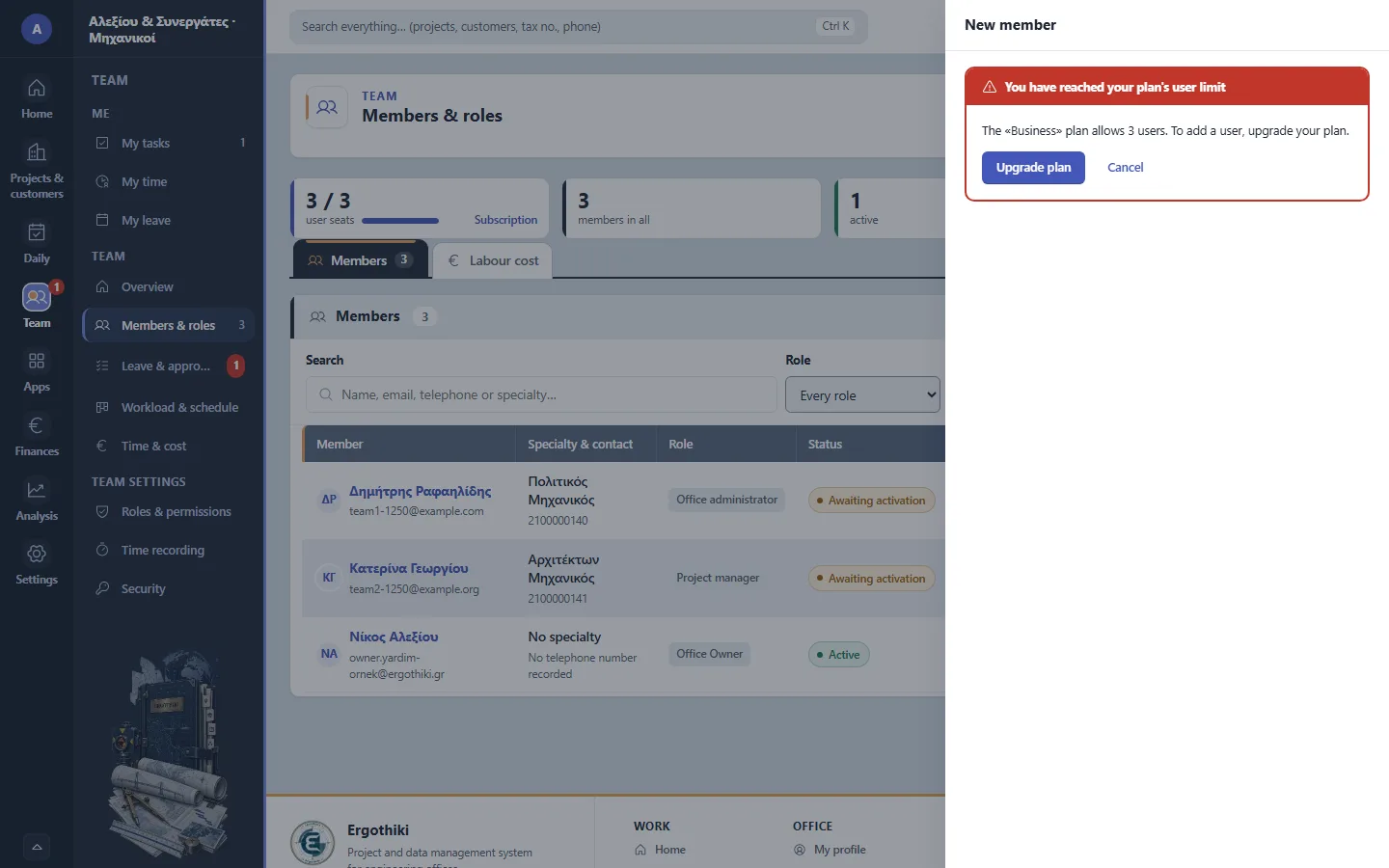
Team › Members & roles › New member

Did this scenario help?