 ΕργοθήκηHelp Centre
Scenarios
How do I record fees and payments received?
From the agreed fee to being paid in full — recording, not invoicing.
-
1
The fee Office Owner Office administrator Project manager Accounting
Enter each work item's agreed fee and, once you issue your own invoice, its amount.
-
2
The payment Office Owner Office administrator Project manager Accounting
On the work item's Finances press + Record money received and enter an amount and a date; the status changes by itself.
-
3
The picture Office Owner Office administrator Project manager Accounting
In Statistics, see what is still to come in and what is owed to partners.
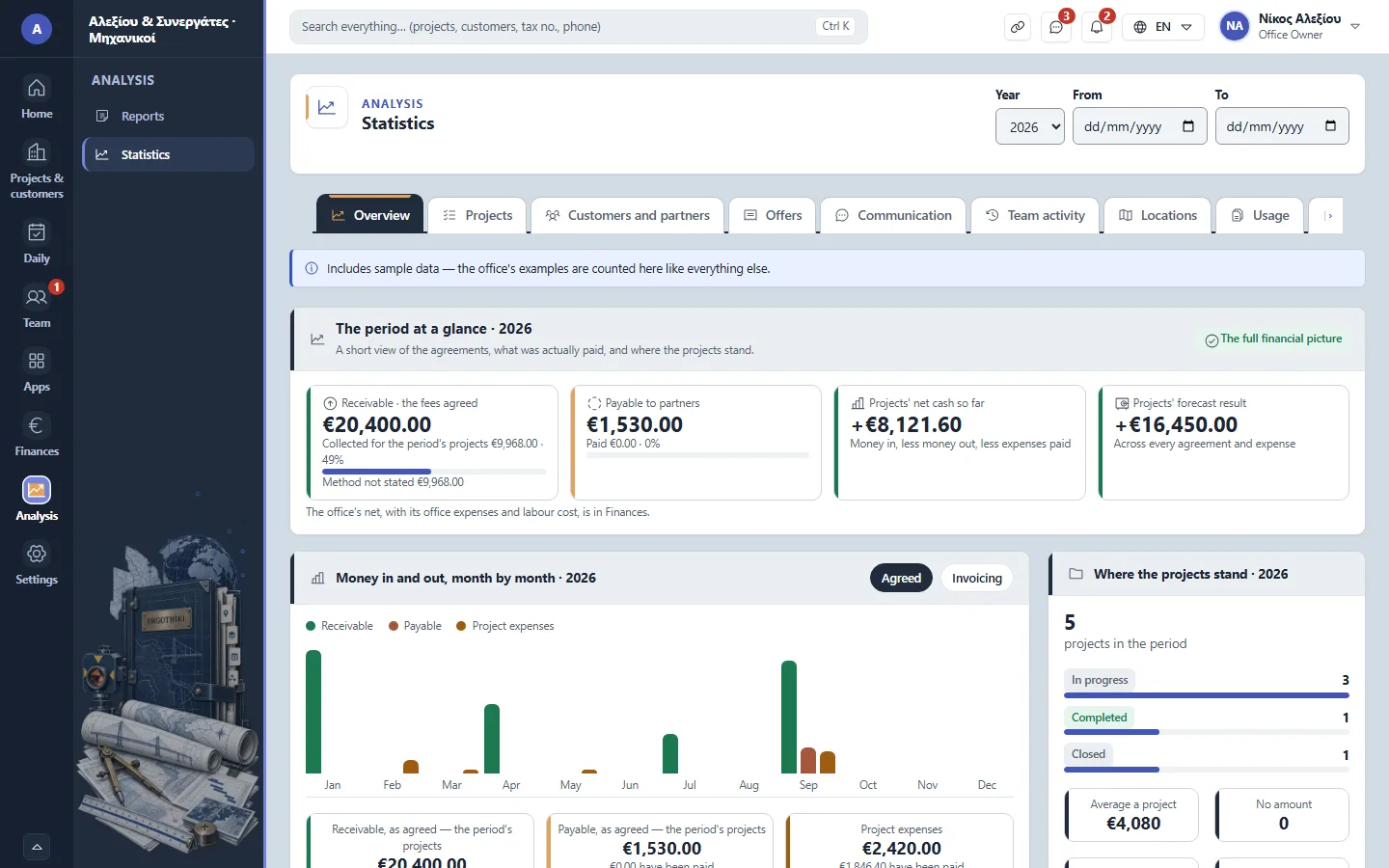
Analysis › Statistics › Overview

Did this scenario help?