 ΕργοθήκηHelp Centre
Scenarios
How do I close a project?
From the last work item to the project's summary.
-
1
The work items Office Owner Office administrator Project manager
Mark each work item as done.
-
2
Ready to close Office Owner Office administrator Project manager
In the Control Centre, find the project under Ready to close.
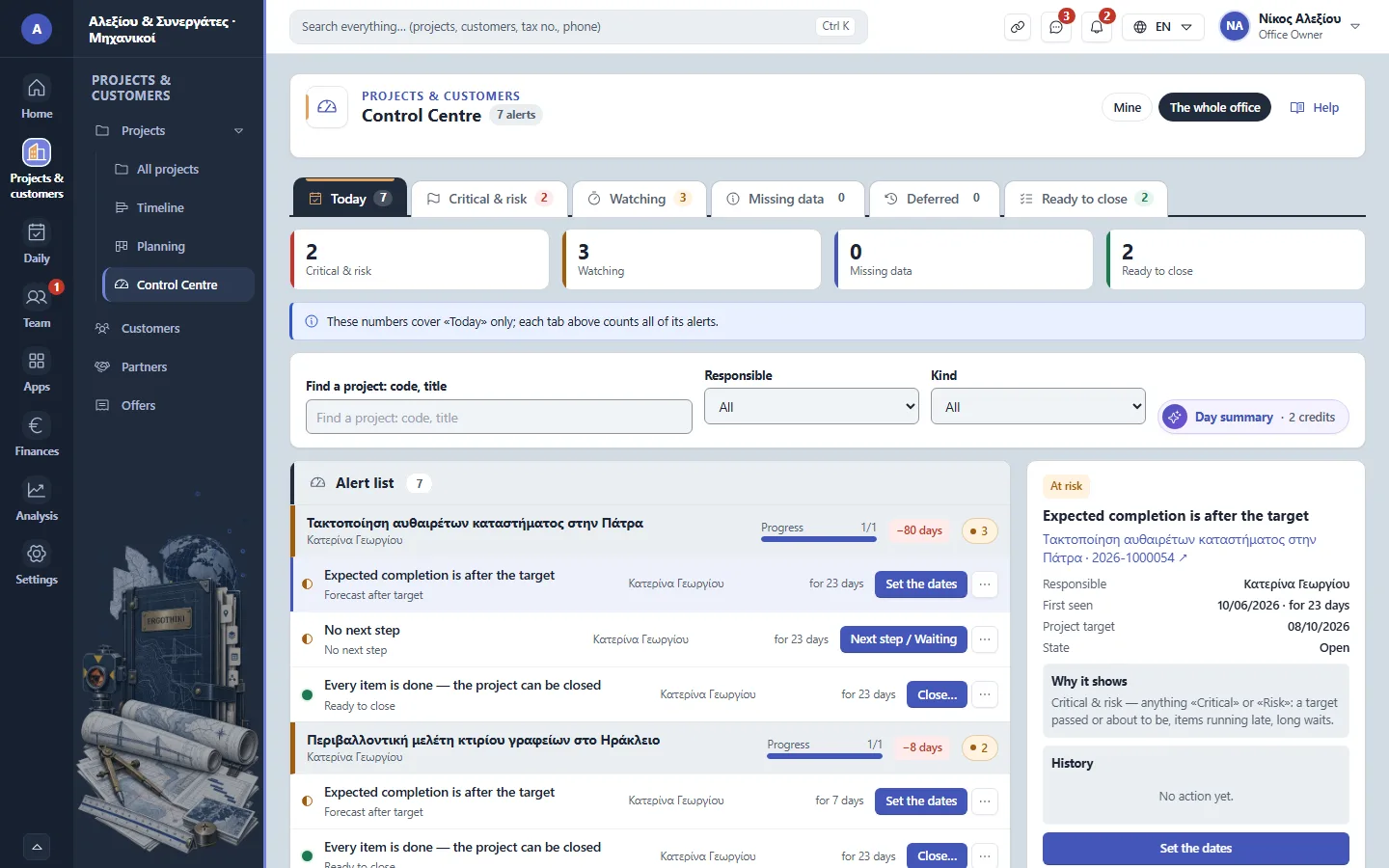
Projects › Control Centre -
3
Closing Office Owner Office administrator Project manager
From the project, go through the closing list and close it.
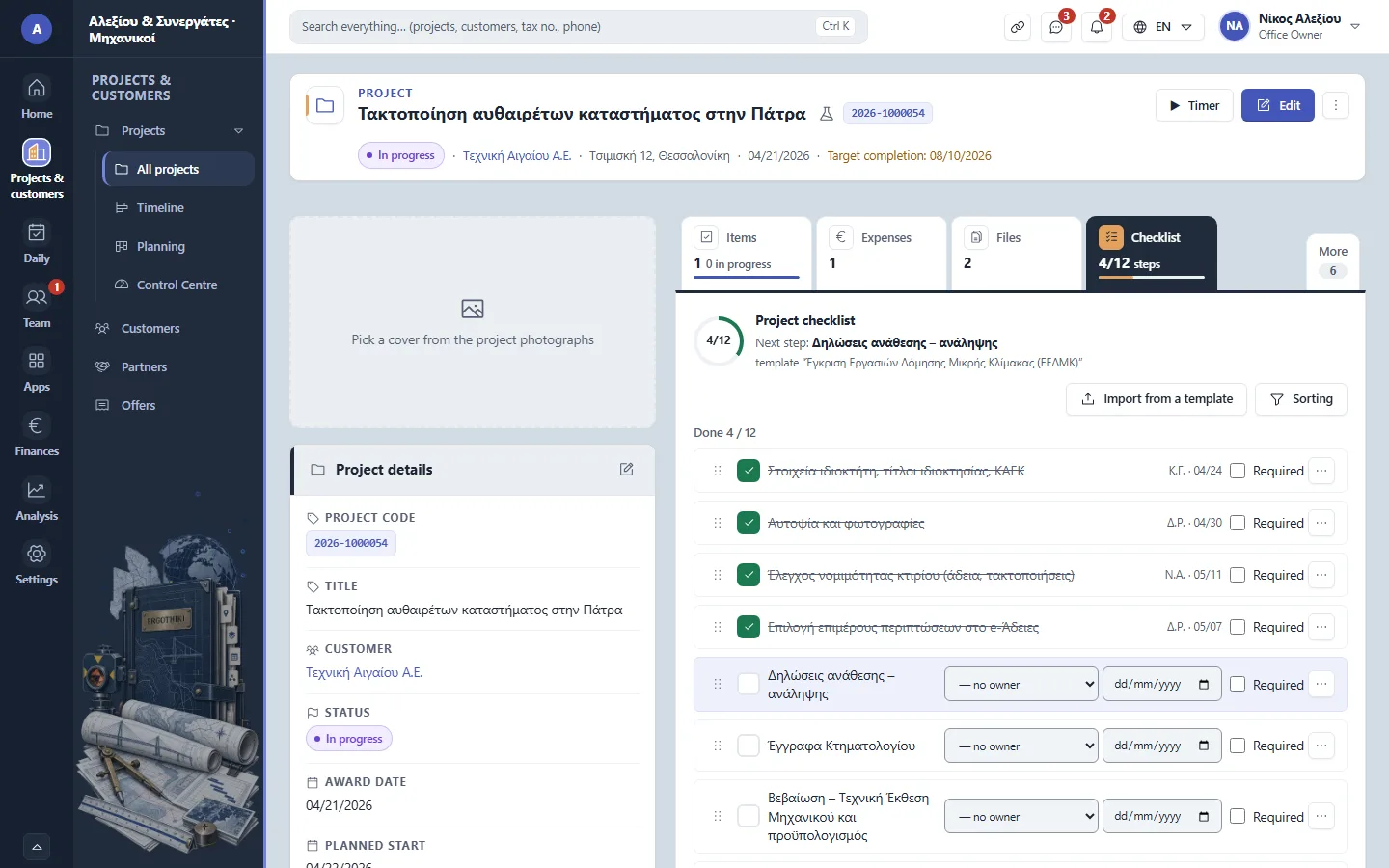
A project › Checklist


Did this scenario help?