 ΕργοθήκηHelp Centre
Scenarios
How does a project go from start to finish?
From the first customer to the handover — every step with its screen and its guide.
-
1
Customer Office Owner Office administrator Project manager Secretariat
Add the customer with their contact details.
-
2
Offer Office Owner Office administrator Project manager
Make the offer with items from the catalogue, issue it and send it to the customer.
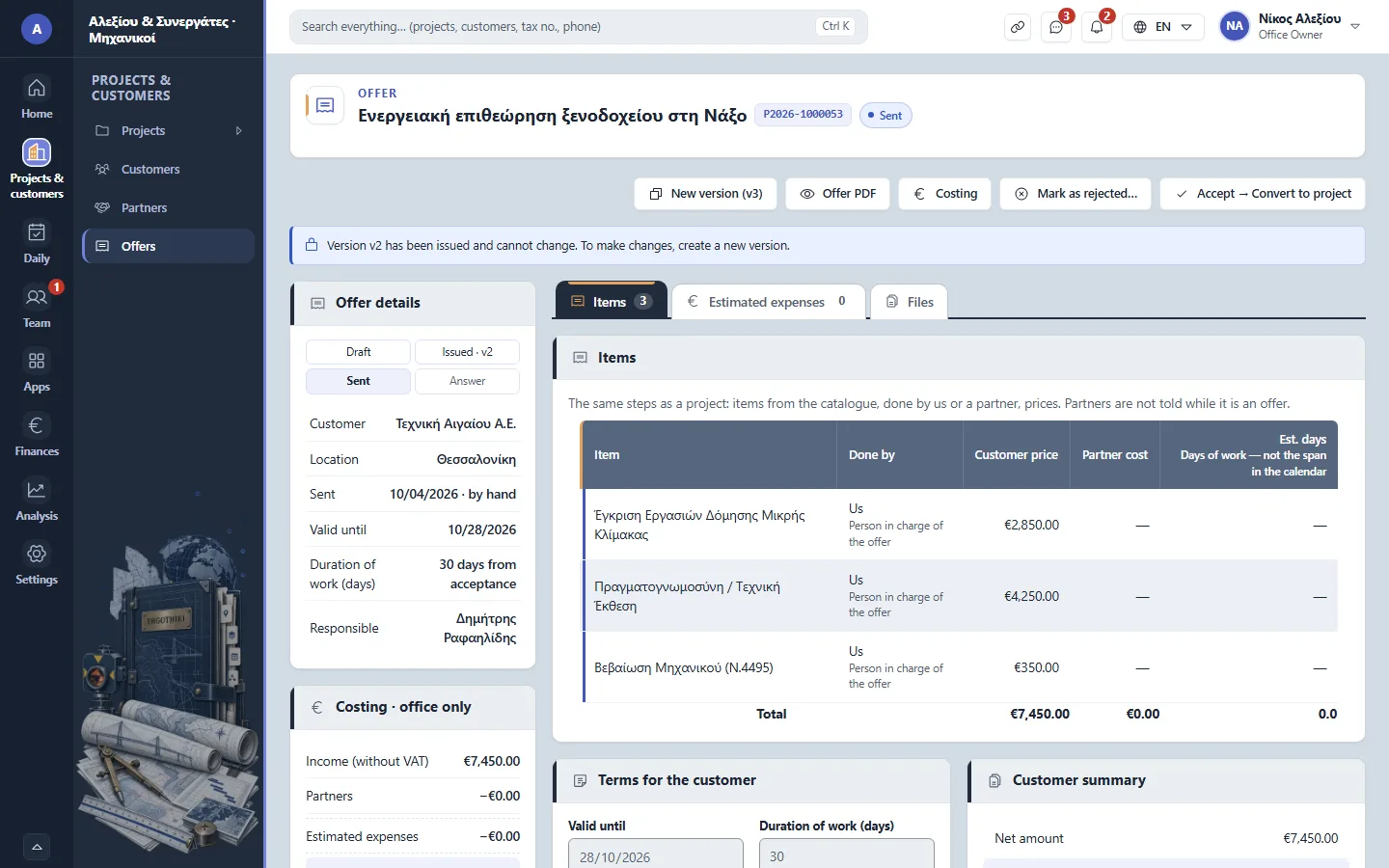
An offer in its second version -
3
Accepted → project Office Owner Office administrator Project manager
When the customer accepts, press «Convert to project»: the offer becomes a project.
-
4
Appointment & field work Office Owner Office administrator Project manager Technical staff Secretariat
Book an office appointment or field work in the calendar.
-
5
Files in ErgoCloud Everyone
Upload the project's drawings, measurements and documents into one folder.
-
6
Time & expenses Everyone
Record the week's time in Team › Me › My time and the project's expenses.
-
7
Customer portal Office Owner Office administrator Project manager
Send an invitation from the customer card; the customer sees the project's progress and the files you show them.
-
8
Handover & closing Office Owner Office administrator Project manager
Follow the status of the project and its payments, and close the project.
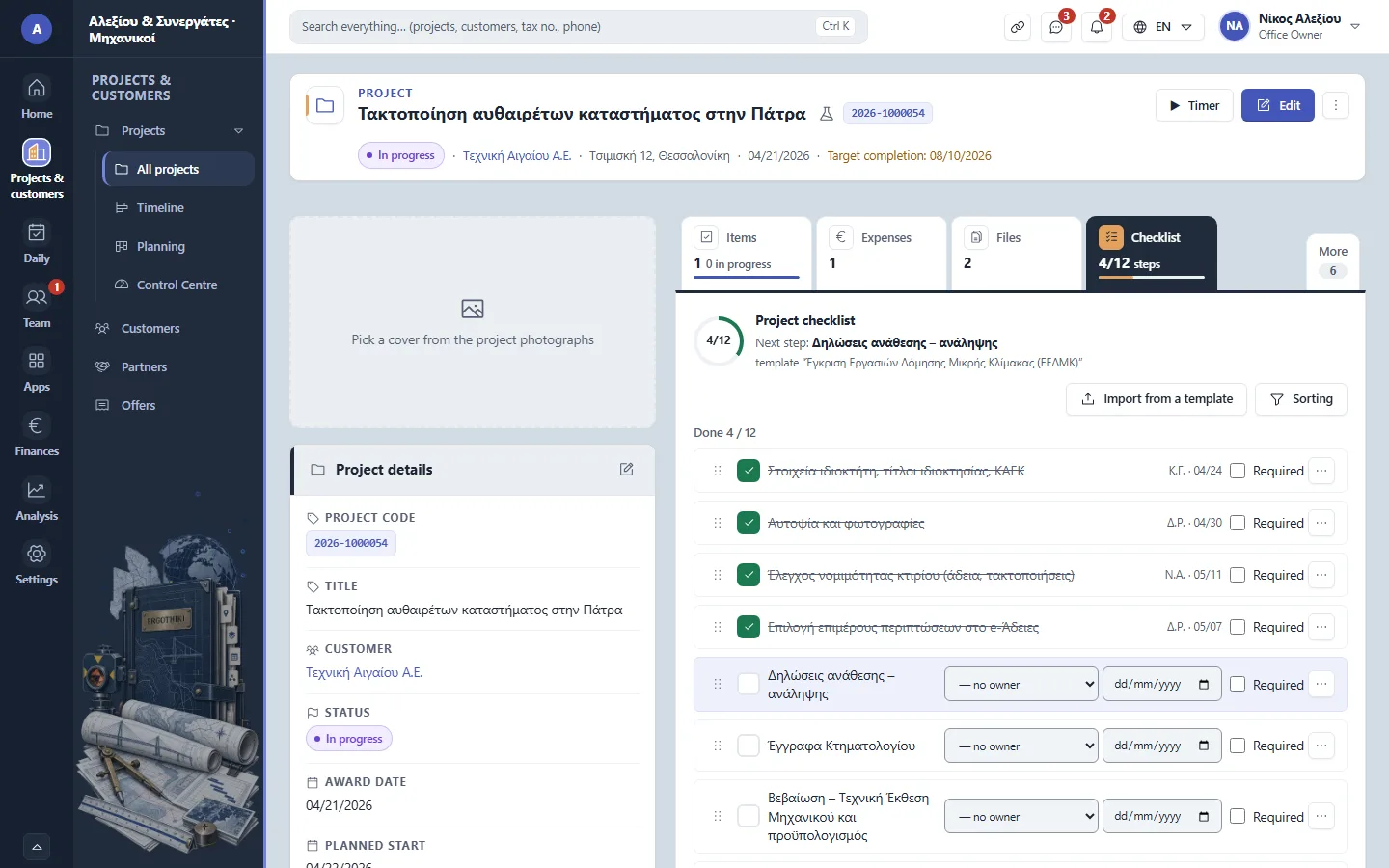
A project › Checklist


Did this scenario help?