 ΕργοθήκηHelp Centre
Scenarios
How do I change plan and seats?
When the team grows or shrinks: what changes, and what stays.
-
1
The plans Office Owner Office administrator
On Plan, press Change plan: you see the plans with their prices.
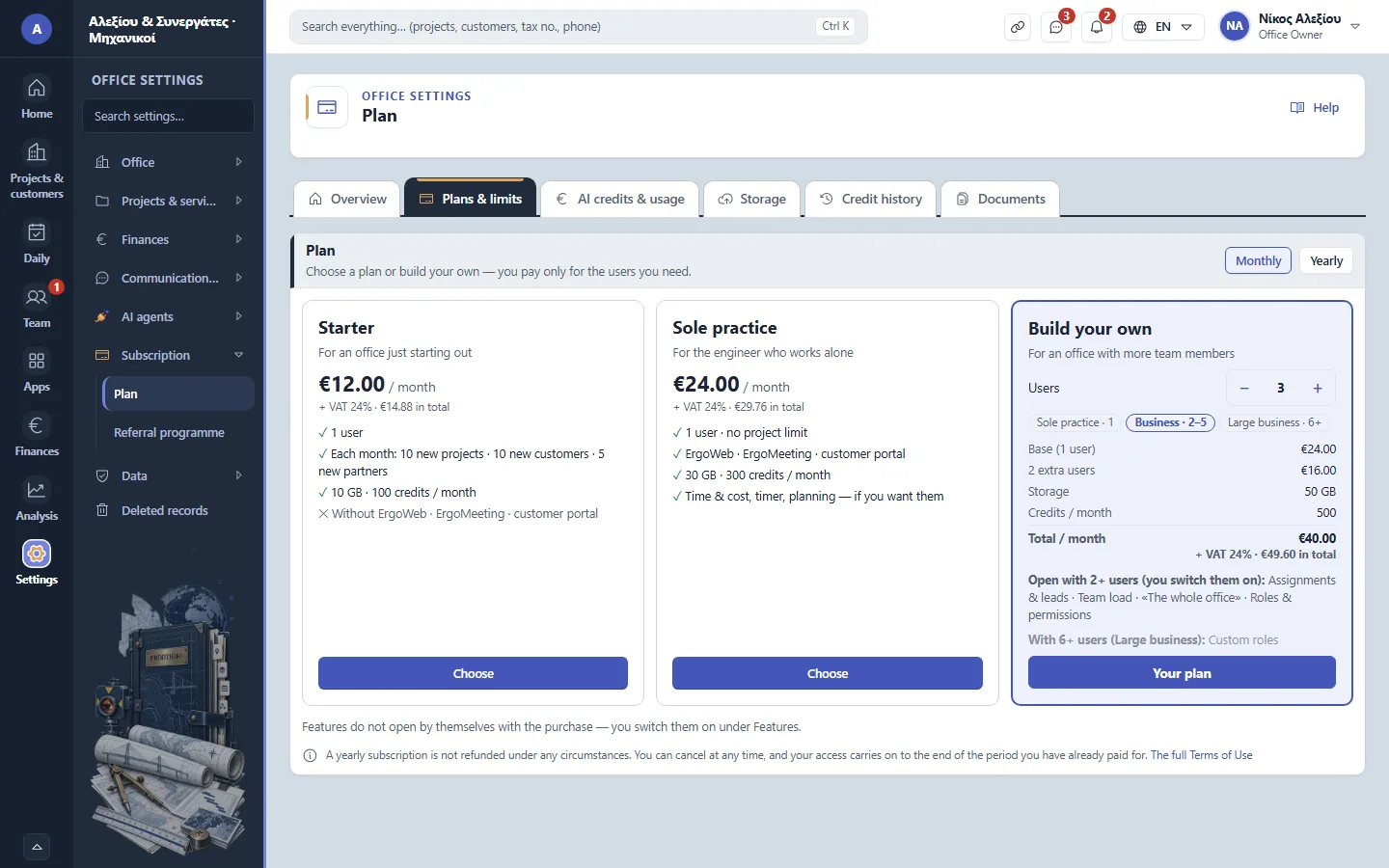
Office settings › Subscription › Plan › Plans & limits -
2
What changes Office Owner Office administrator
Before a smaller plan, see which features are switched off and which users will no longer sign in.
-
3
The seats Office Owner Office administrator
Members beyond the seats are suspended; their records stay.
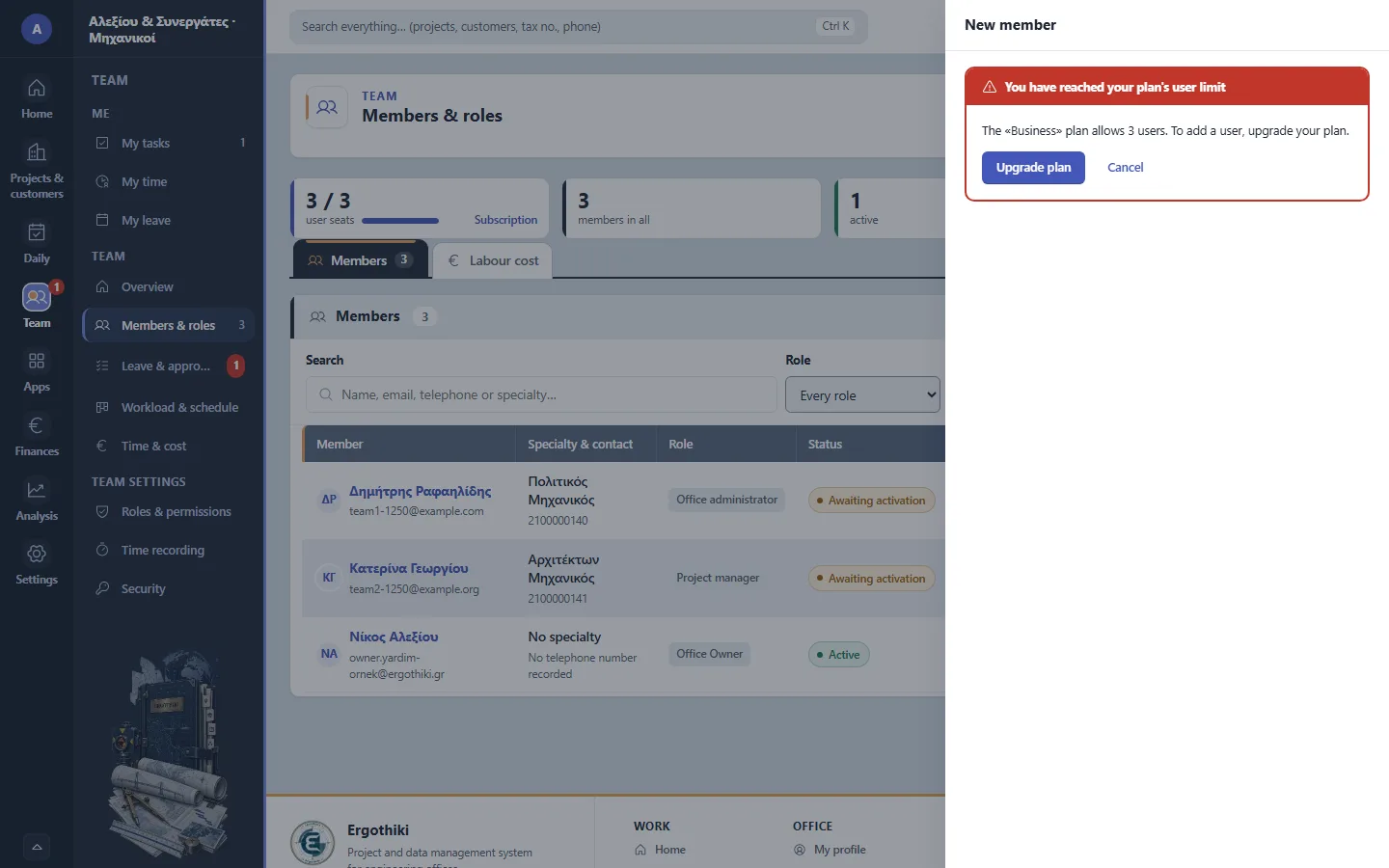
Team › Members & roles › New member


Did this scenario help?