 ΕργοθήκηHelp Centre
Scenarios
The office's first day
From the office's details to the team and security — everything you set up once.
-
1
Office details Office Owner Office administrator
Fill in the name, contact details, address and professional details; they appear on documents and offers.
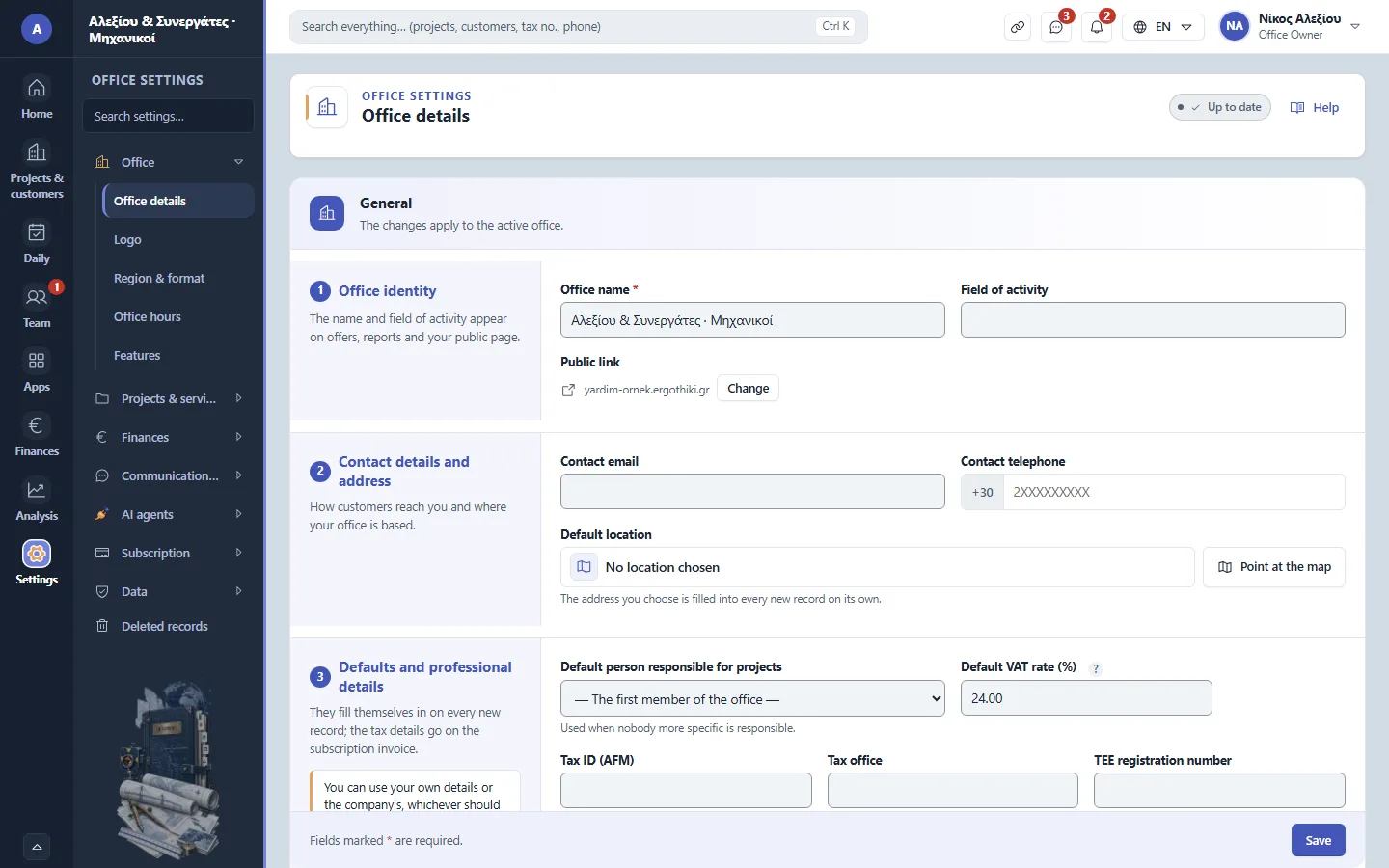
Office settings › Office › Office details -
2
Logo Office Owner Office administrator
Upload the logo (JPG or PNG) or pick a ready-made one.
-
3
Region and format Office Owner Office administrator
Check the country, language, currency and time zone.
-
4
Service catalogue Office Owner Office administrator
Switch on the services the office does and add any that are missing.
-
5
Inviting the team Office Owner Office administrator
With + New member, send each person an invitation, with their role.
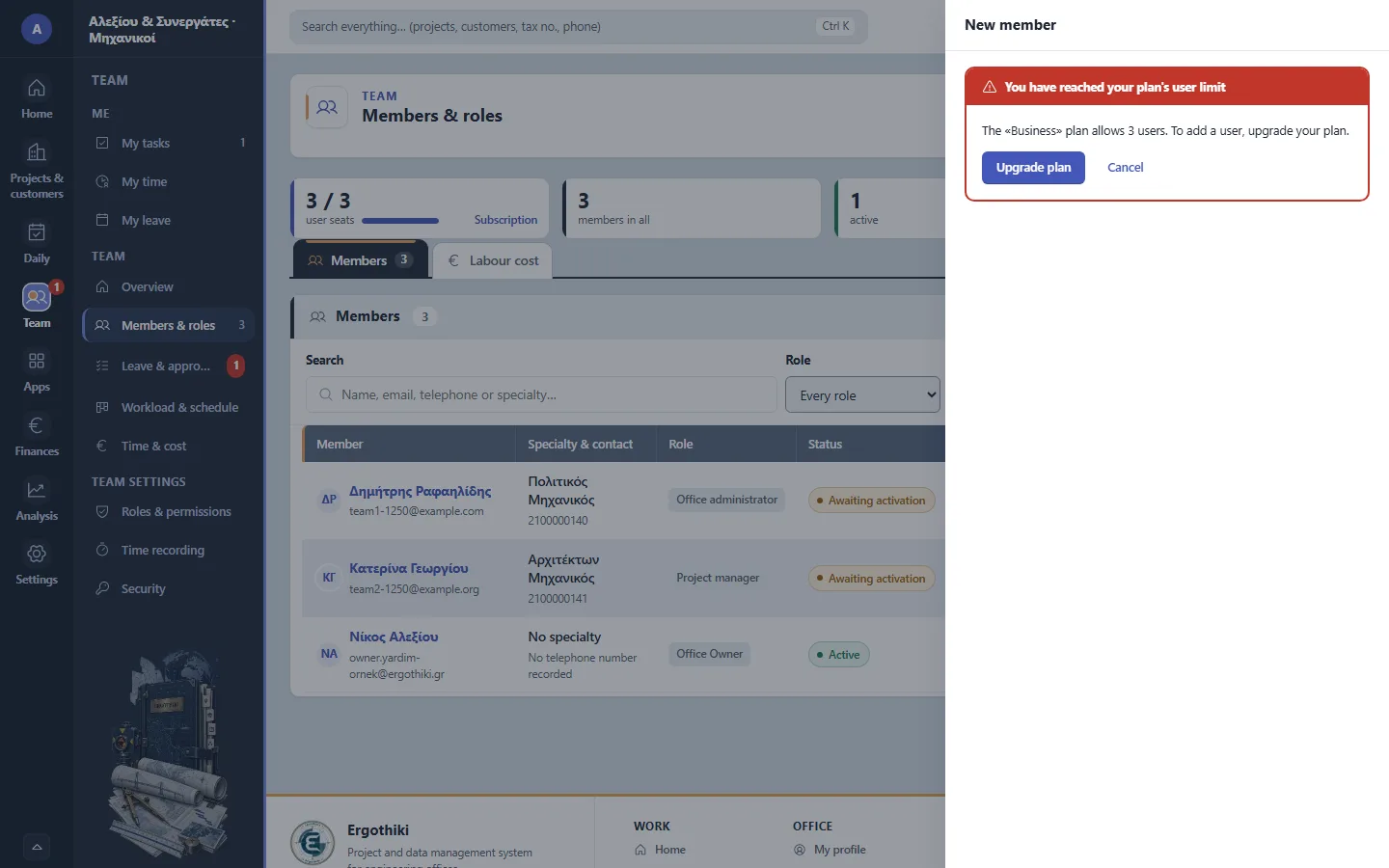
Team › Members & roles › New member -
6
Security Office Owner Office administrator
If you wish, make two-step verification required for everyone.


Did this scenario help?