 ΕργοθήκηHelp Centre
Scenarios
How does an offer become a project?
An offer that is accepted and becomes a project, without typing anything twice.
-
1
The customer Office Owner Office administrator Project manager Secretariat
Find the customer, or create them with + New customer.
-
2
The offer Office Owner Office administrator Project manager
Build the offer with its work items and send it to the customer.
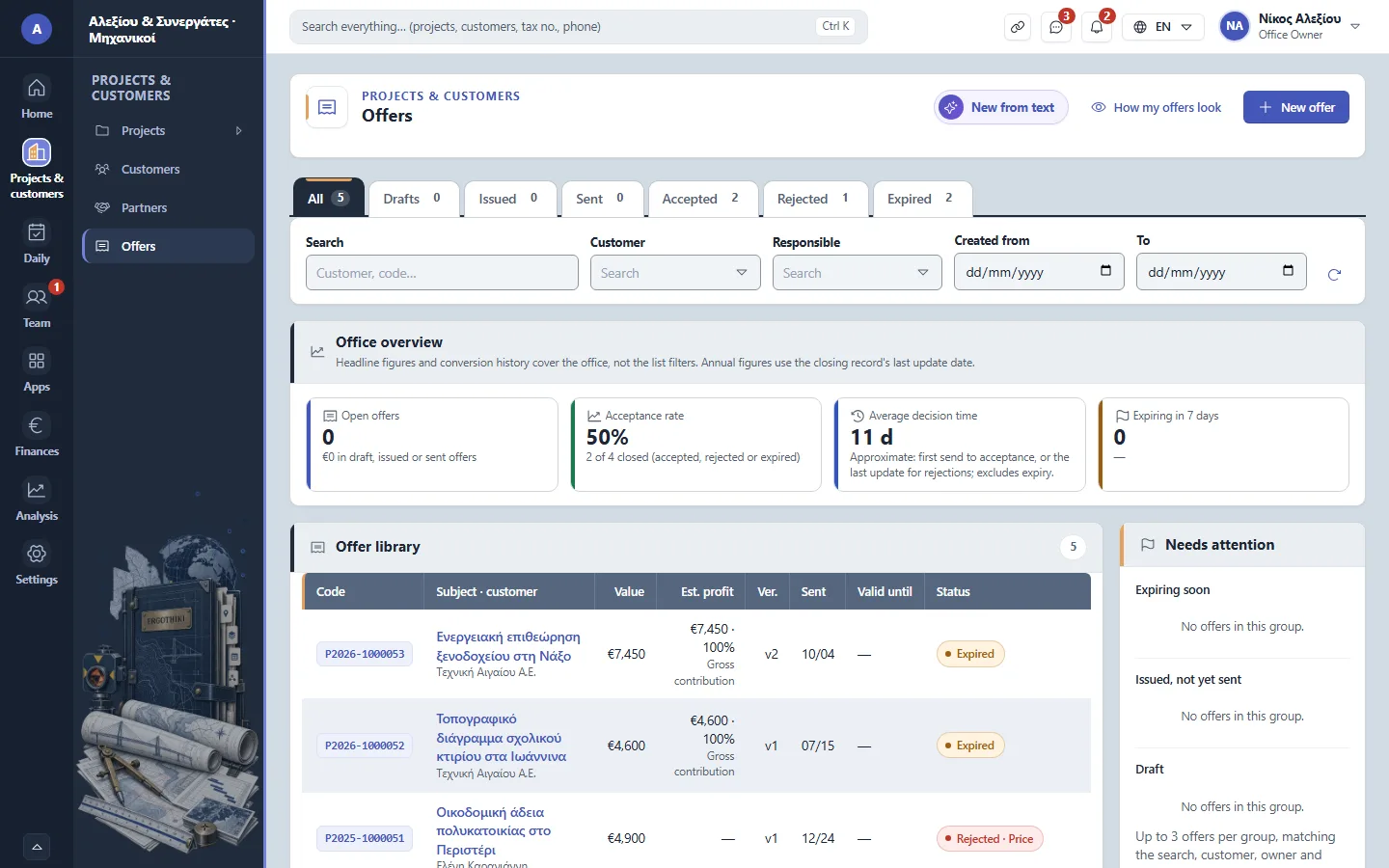
Offers -
3
Accepting and converting Office Owner Office administrator Project manager
Once the customer accepts, press «Convert to project»: the offer becomes a project with the same work items.
-
4
The work items Office Owner Office administrator Project manager
In the project, give each work item an assignee and a deadline.
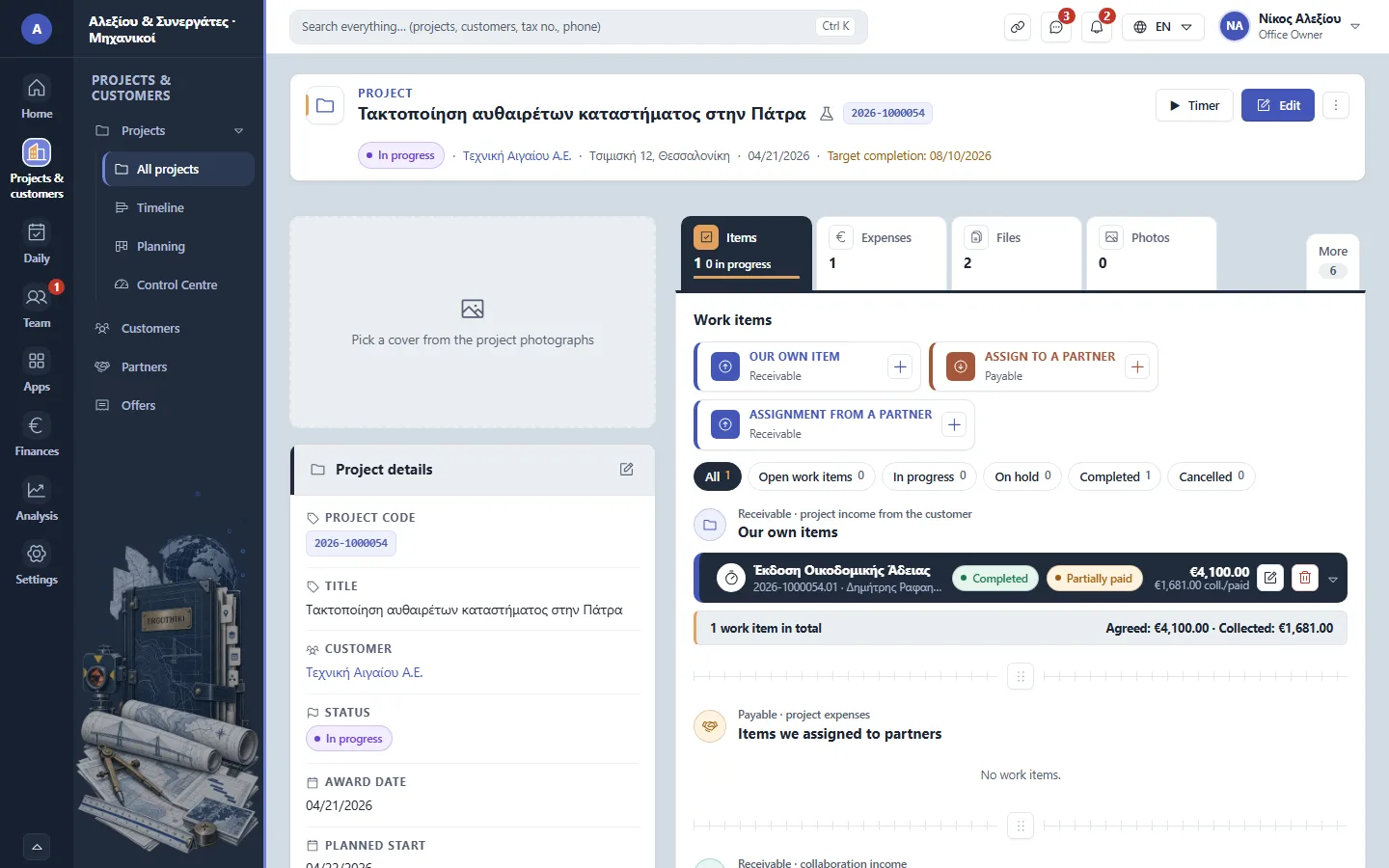
A project › Items


Did this scenario help?