 ΕργοθήκηHelp Centre
Scenarios
How do I write a post with AI's help?
A draft for the website that you correct before it goes out.
-
1
The draft Office Owner Office administrator Website manager
In Posts, ask for a draft; the button shows how many credits it costs.
-
2
Correcting and publishing Office Owner Office administrator Website manager
Correct the text and publish it — nothing goes out without you.
-
3
What was sent Office Owner Office administrator
Under Data protection, look at the table «What is sent to the AI»: it shows what each action sends.
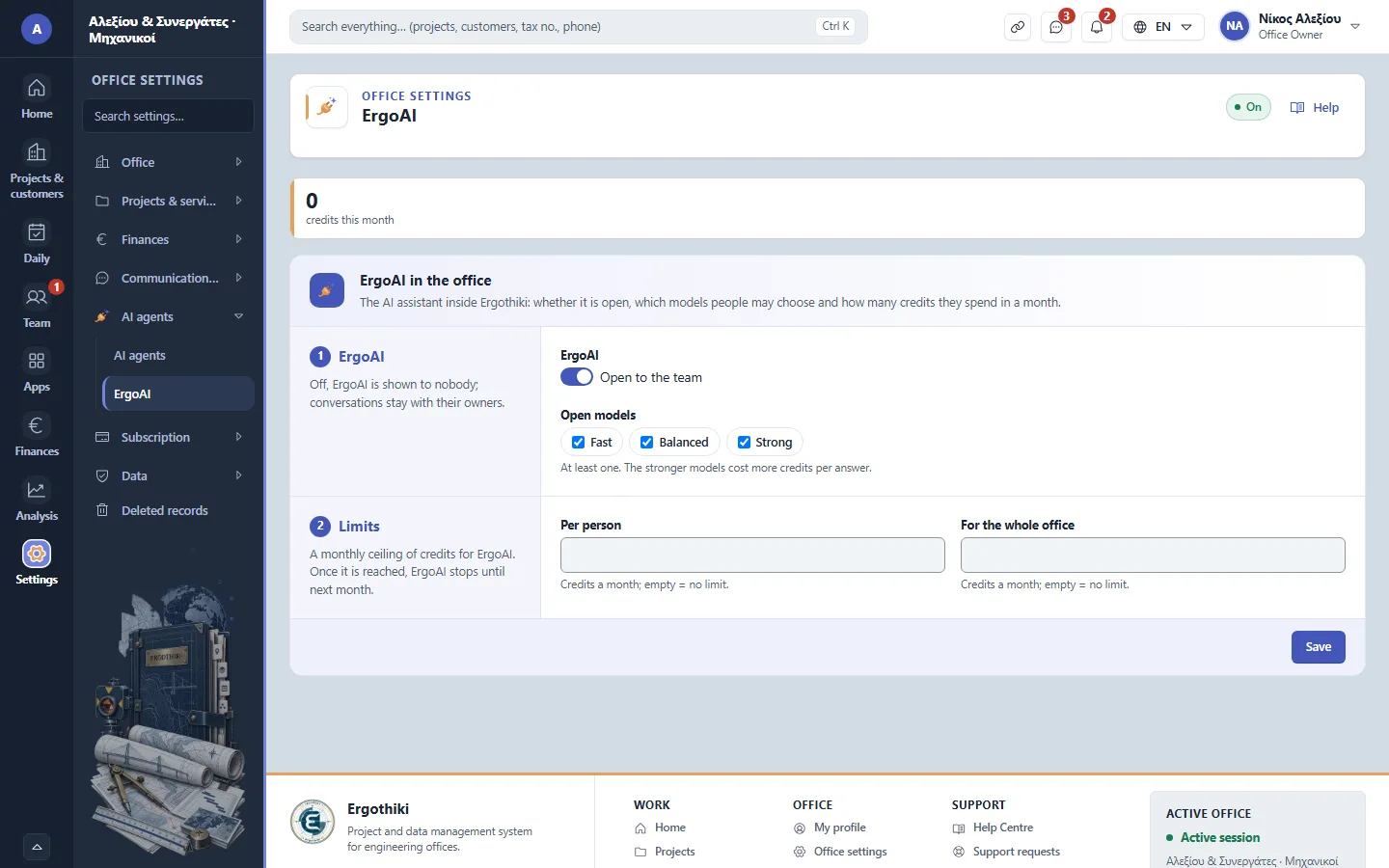
Office settings › AI agents › ErgoAI

Did this scenario help?